

Get Started
Here’s a complete guide to getting started with RyGen AI Gateway.
The V1 API is available at https://api.rygen.io, and you can check its uptime status at https://status.rygen.io.
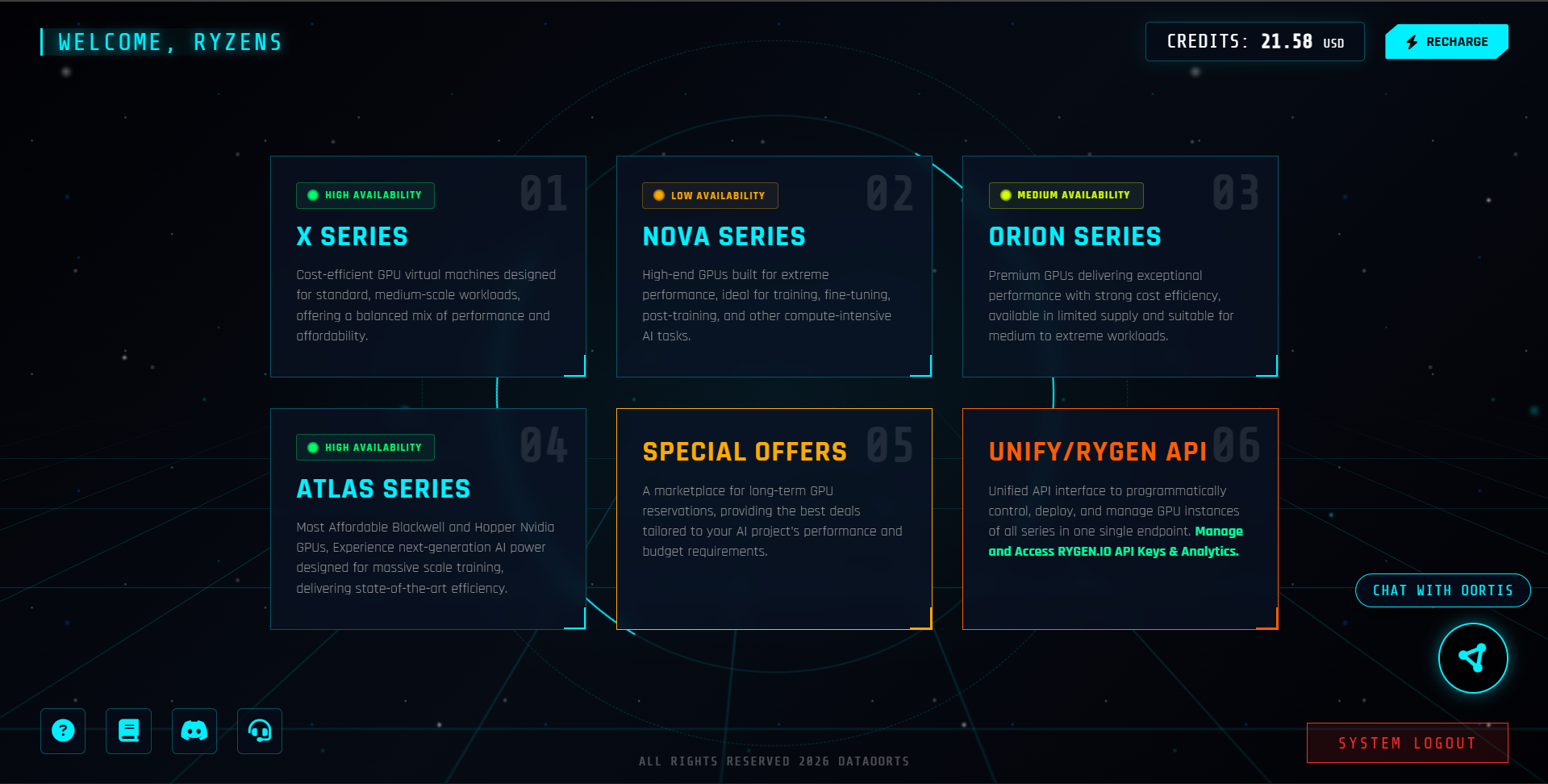
Step 1: Create Your Dataoorts Account
RyGen is with Dataoorts. To access the RyGen AI API, you need to create a Dataoorts account.
- Visit the registration page: https://cloud.dataoorts.com/register
- Fill in your details and create an account
- Verify your email
- Log in to your Starbase
Step 2: Add Credits to Your Account
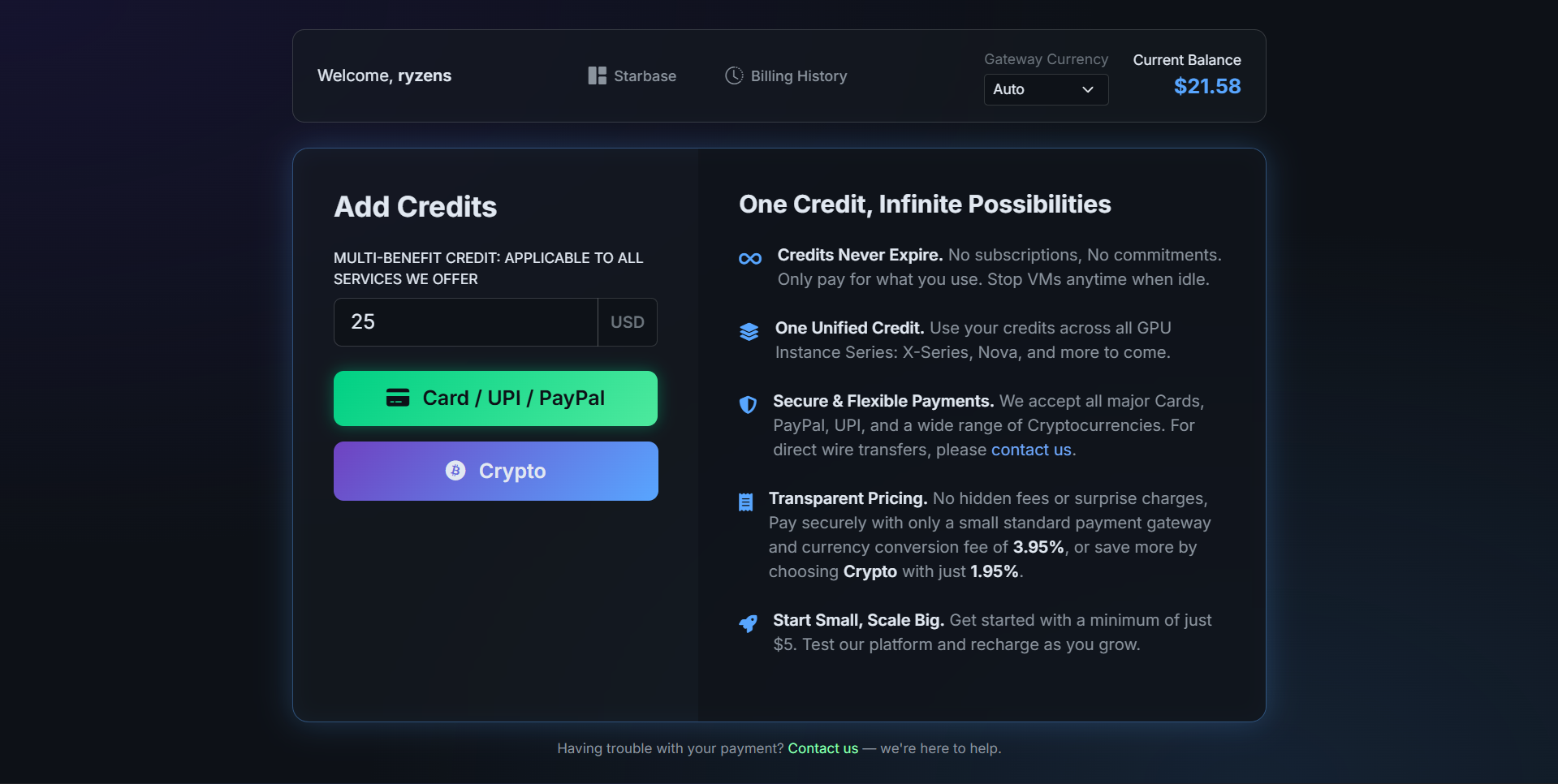
To access the AI Models API, you need to add credits to your Dataoorts account.
Dataoorts provides multiple payment options, including:
- UPI
- Debit/Credit Cards
- PayPal
- Cryptocurrency
- Bank Transfer
Once your account is funded, you’ll be able to start using the RyGen AI APIs.
Step 3: Access the RyGen Dashboard and Get Your API Key
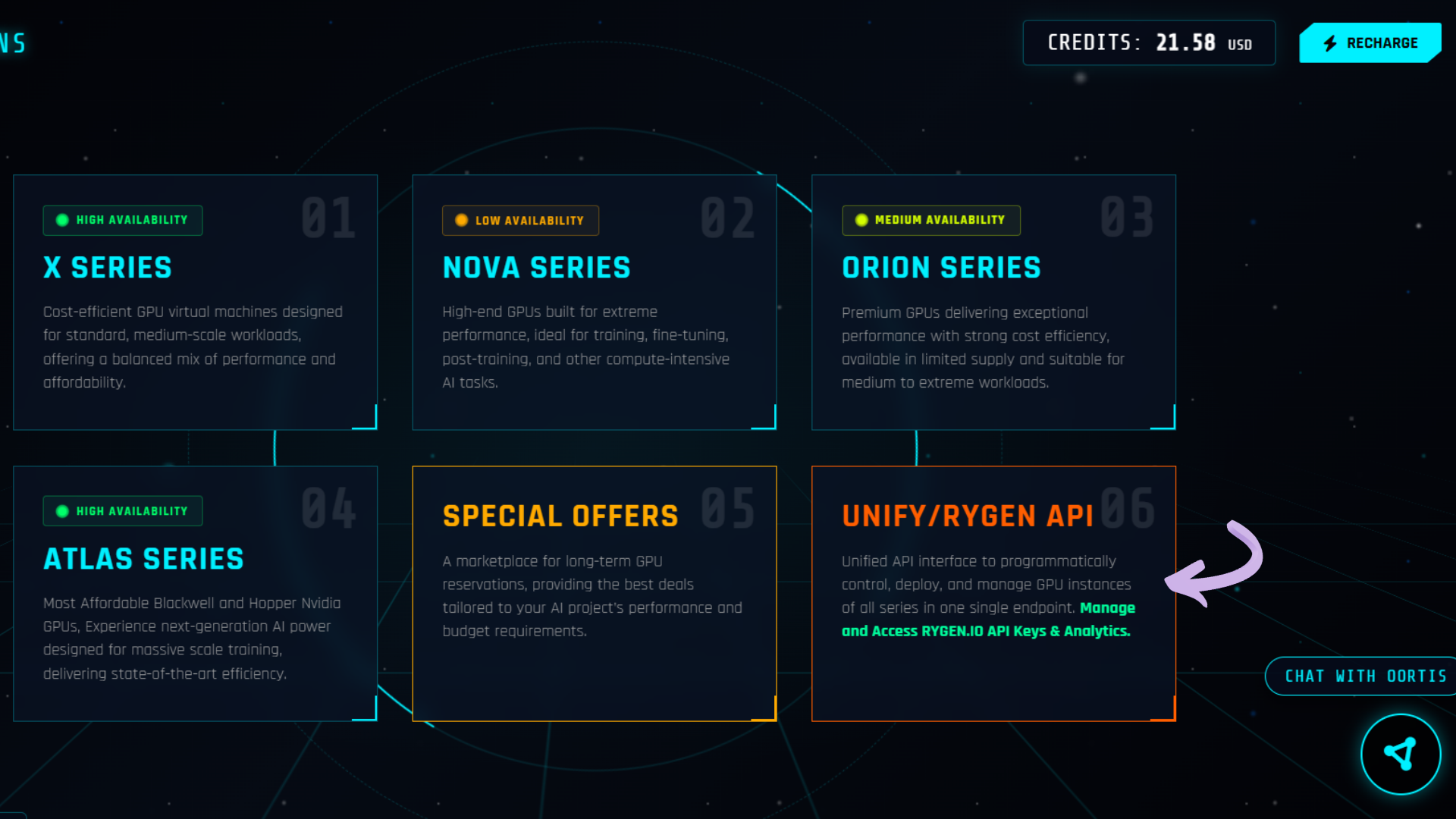
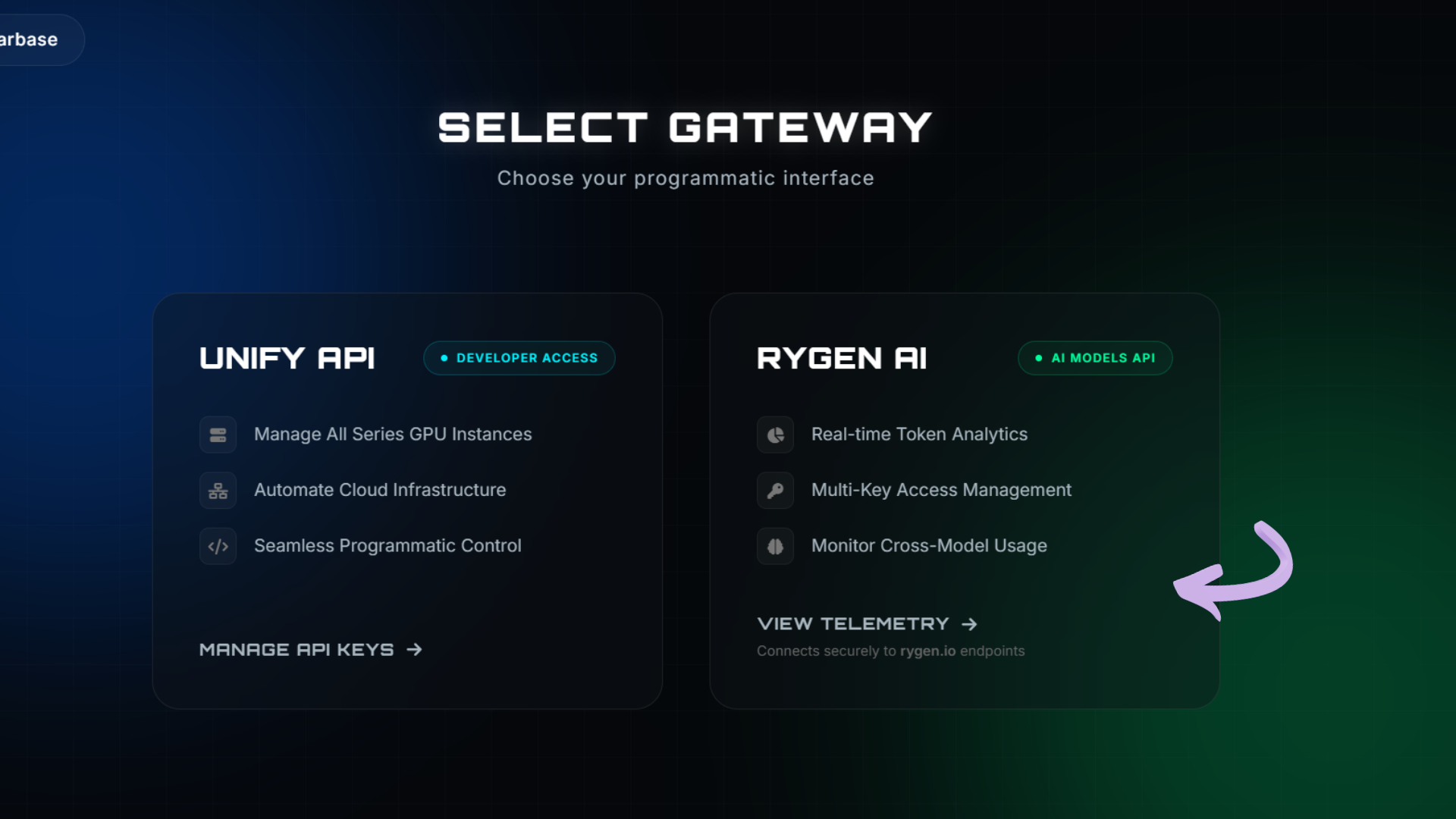
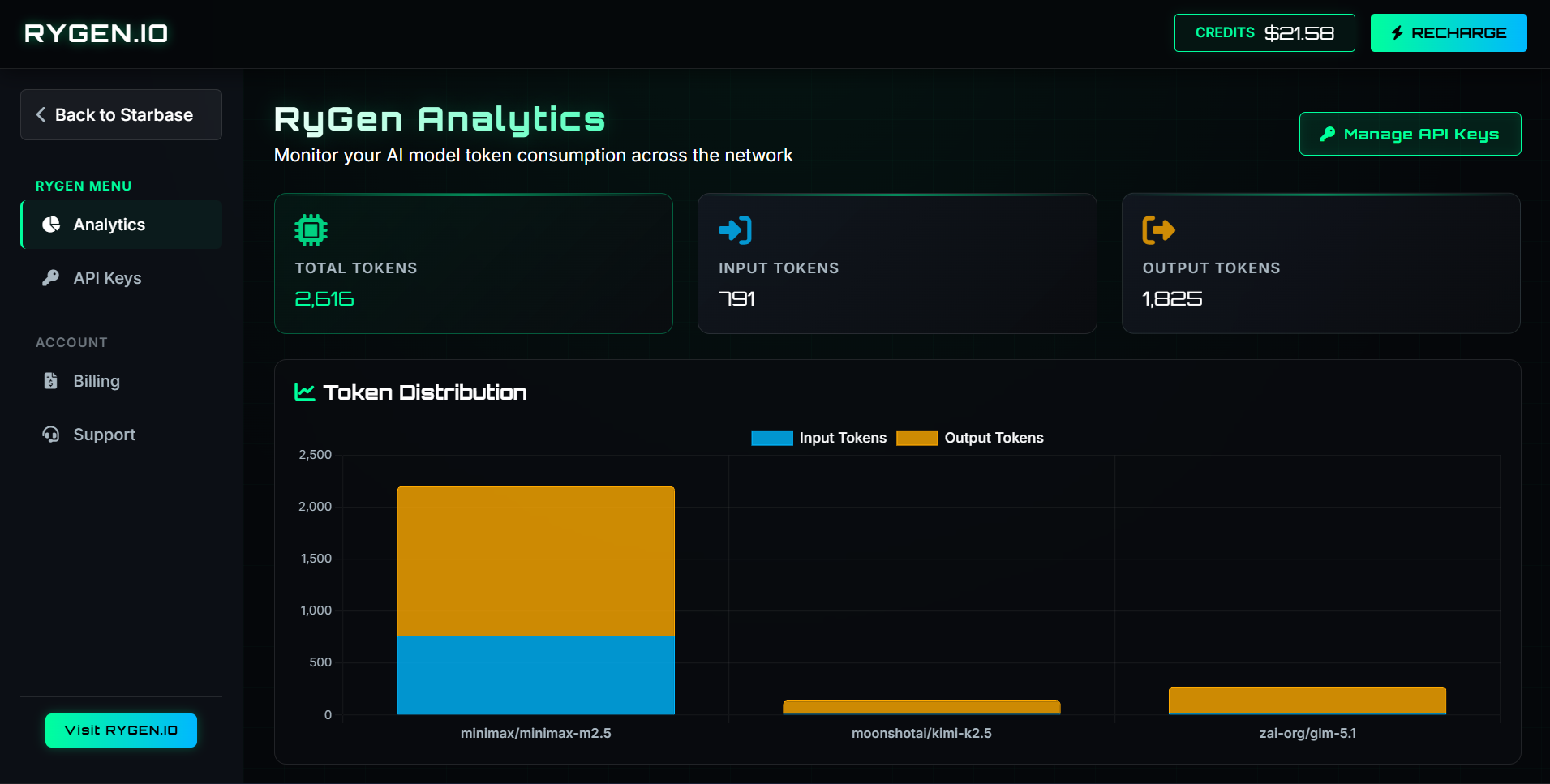
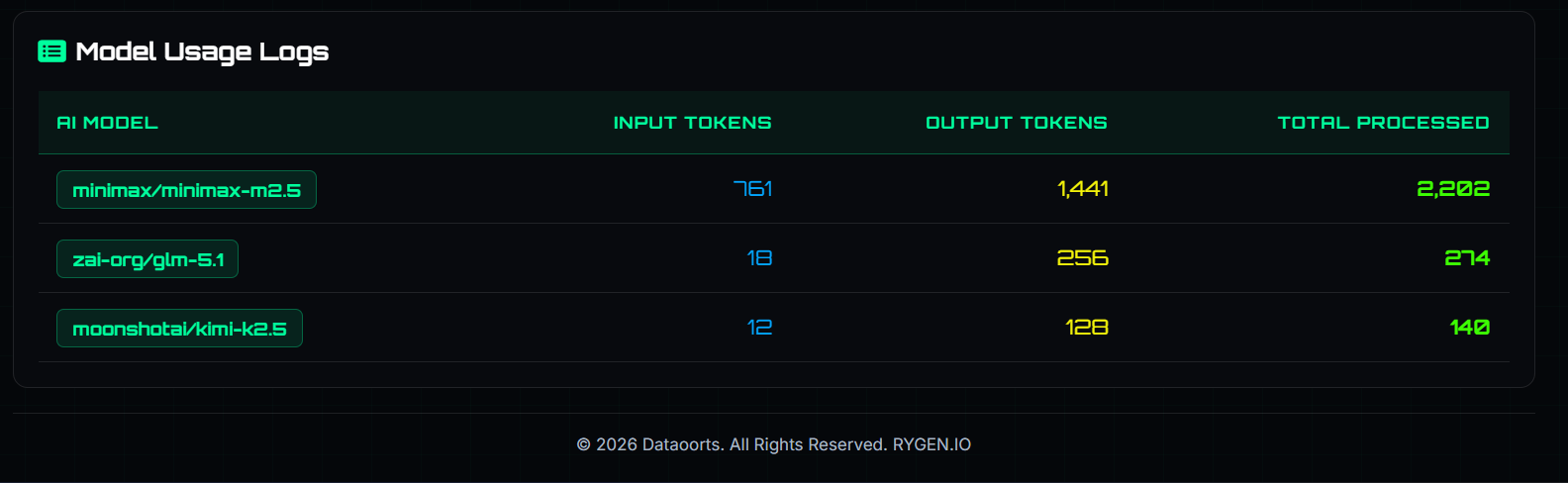
Once your account is set up and funded, you can access the RyGen dashboard to generate your API key.
- Navigate to the RyGen dashboard
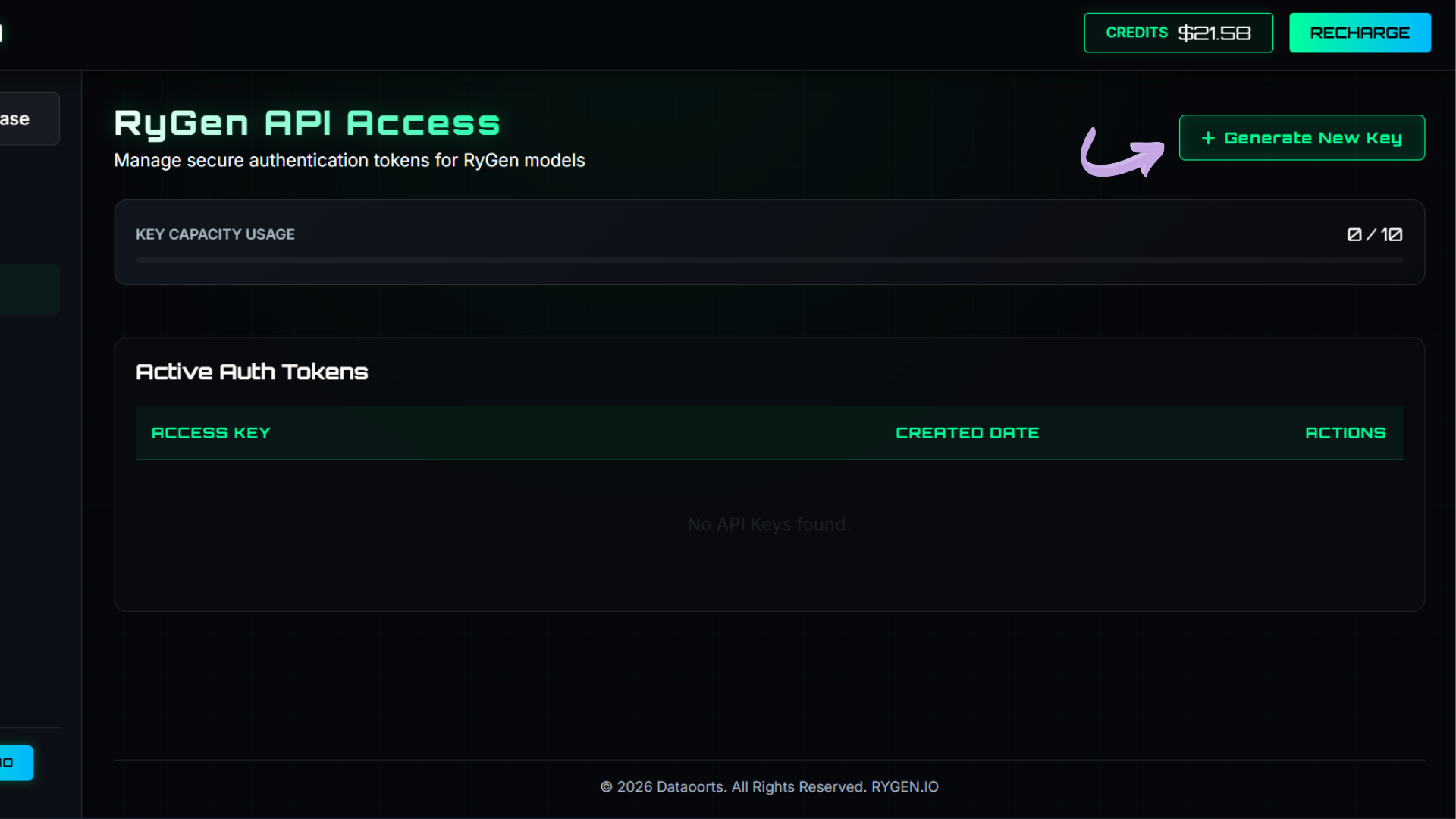
- Locate the API Keys section
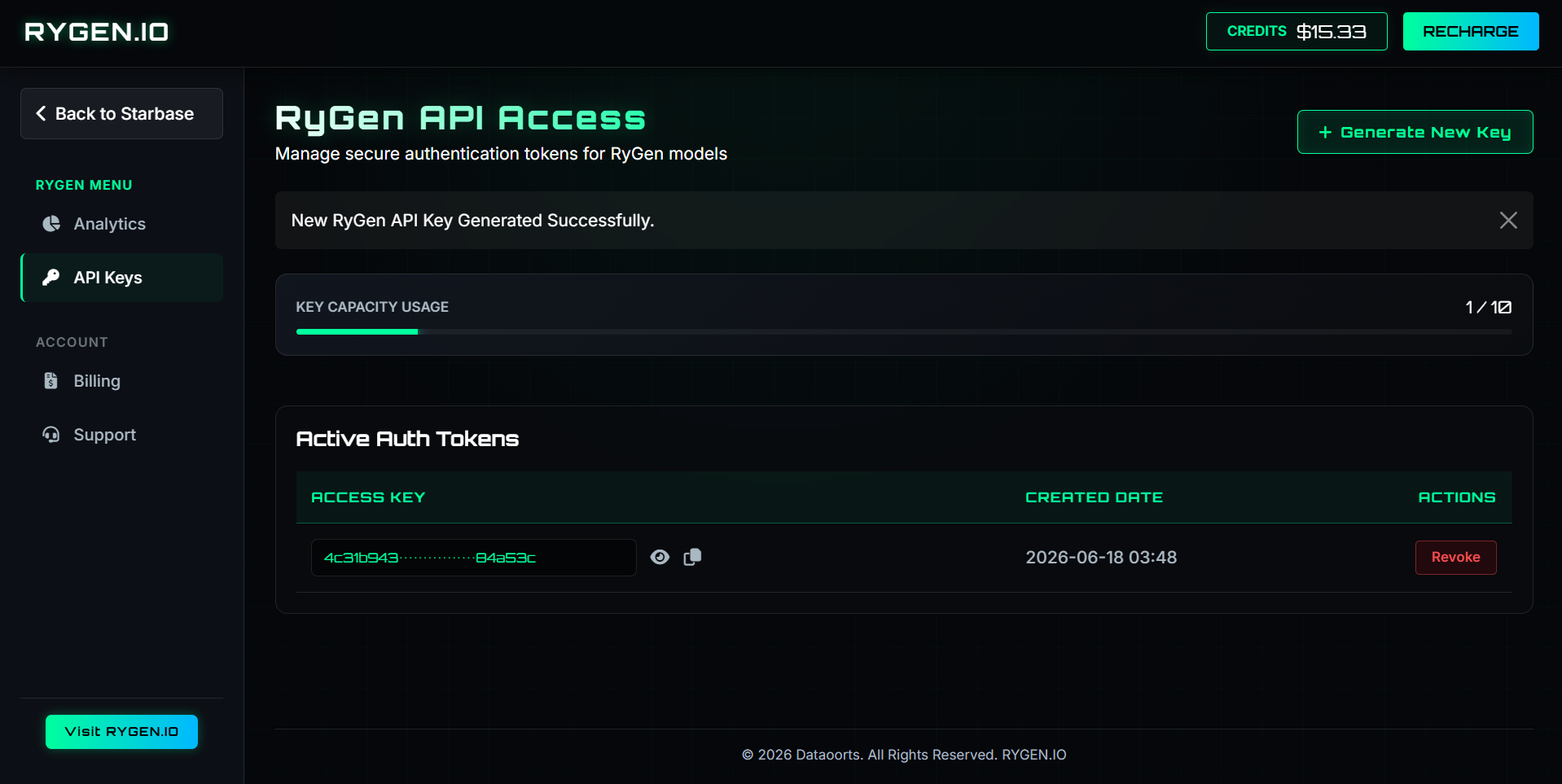
- Generate a new API key (Max: 10)
Keep your API key secure, as it will be used to authenticate your requests to the RyGen AI API.
Updated 4 months ago
Did this page help you?